GRM23 – Week 5

This week continue our exploration of painting in Photoshop, and then segue into Adobe Illustrator where we’ll learn the “in and outs” of the Illustrator Pen Tool.

  1. Software Essentials read pp. 50–75
  2. Introducing the Pen Tool in Photoshop and Illustrator (4,5,6)
  3. The Illustrator Workspace (4,5,6)
  4. Chapter 12, Introduction to Adobe Illustrator

Retouching Project Due Wednesday, February 8th.

Week 4

  1. Chapter 3, Art and the Computer (2)
  2. More of Diane Fenster’s art
  3. Painting in Photoshop (4,5,6)
  4. Introducing the Pen Tool in Photoshop and Illustrator (4,5,6)
  5. Discussion (2)

This week we will complete the retouching exercises, compile our folders, and work on the self-portrait posters.

  • File size: 11×17″, 12″x18″ for an 11″x17″ that bleeds
  • Resolution: 300 ppi
  • Color Mode: Work in RGB color
  • Contents: Must contain all or part of a minimum of many different images
  • Submit: 
  • Digital file and print files in completed folder. Print files for folder can be scaled to 8-1/2″x11″,  and must be printed in color.
  • 11″x17″ print presented for critique

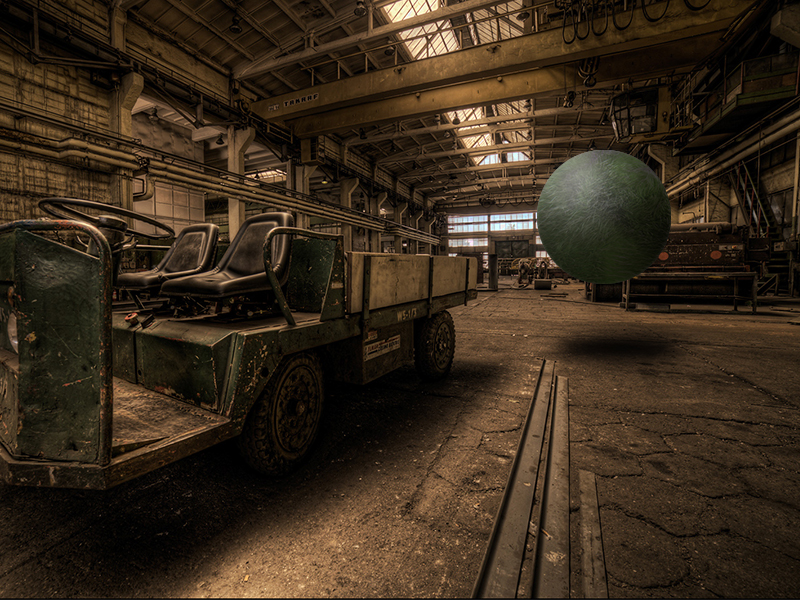
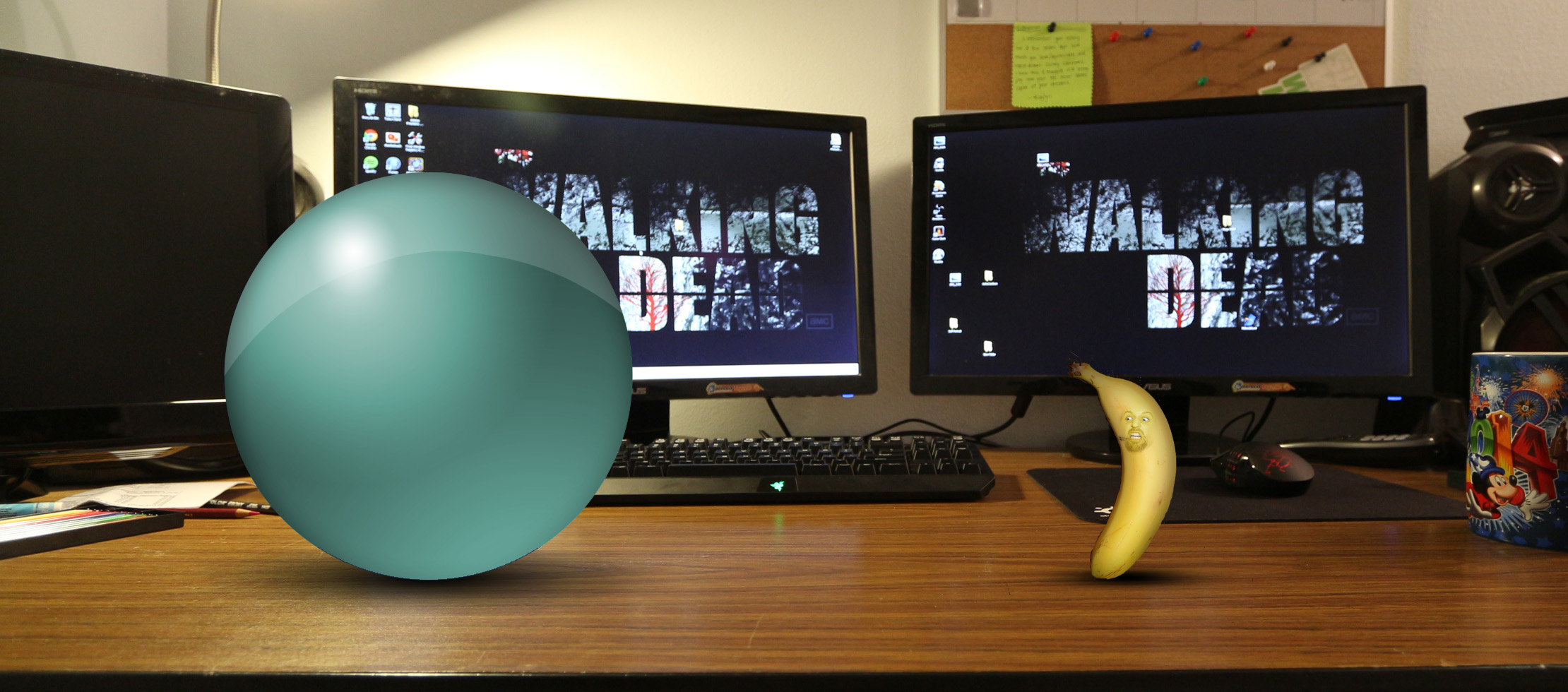
Completed Sphere Exercises (3 parts) due Wednesday, February 1.

Week 3

Tonight we will take the first 60 minutes of class to work on our posters. These will be “rough comps,” as we’ll need to refine them and make sure all the information is accurate before moving foward.

The poster should be designed 11″x17″ and can include Photoshop or Illustrator artwork. Be conscientious of:

  • who is the poster aimed at
  • what are you asking for
  • where to submit
  • when is the deadline to be established
  • why answers the objects of the magazine…
  • how to submit-email
    raster images – 10 mb,
    print resolution pdfs

We’ll have an in-class critique, followed by lecture and lab.

Students and faculty are encouraged to submit materials for publication.

Objectives are to promote the represented programs.

Reading-Meggs pp. 98-139

Reading-Nelson pp. 1-28, 146-172

1)    Begin Project 2 – Themed Calendar due week 6

  • a)    More on tabs and tables
  • b)    Master Pages
  • c)    Create Guides
  • d)   Page Numbering

Skills for Self-Portrait Poster

Week 3

  1. Photo Retouching Exercises (3,4,5,6)
  2. Chapter 6, Photoshop Magic
  3. Chapter 7, File Formats & Compression
  4. Chapter 8, Scanning Guidelines
  5. Discussion (2)

As we enter Week 3, we’ll learn more about making selections in Photoshop. Making and refining selections is critical to the technique of photographic collage, comparable to good old-fashioned cut and paste. We’ll also spend time learning retouching techniques as we study how the various filters and tools can be used to improve the appearance of old or damaged images.

Week 2

  1. Reading-Meggs pp. 64-97
  2. Reading-Layout Essentials – This book is essentially a captioned picture-book and can be read at your own pace.
  3. Exercise – magazine layout
  4. Duplicate the magazine layout
  • Layout to be 3-4 pages
  • must be approved by instructor
  1. Create a layer that illustrates the grid’s component and struture (Layout Essentials)
  2. Create a layer that identifies each of the typographic elements on the page (Nelson, 91–104)
  3. Discuss criteria for poster/flyer, due week 3

GRM25-Week 1 Review

Review Syllabus

1)    Discuss Final Project-Graphic Design, Multi-media and photography magazine
2)    Introductions
3)    Introduction to InDesign

  •  Organization of project progress, introduces typography and tables used for forms in InDesign
    (1)  document Setup Dialog
    (2)  rulers
    (3)  ruler guides
    (4)  Columns and margins – specifying and changing
    (5)  Importing text and graphics
    (6)  Resizing and cropping graphics
    (7)  Formatting text – character and paragraph palettes
    (8)  Introduction to Indents and tabs
    (9)  Basic printing
  • b)    Typography Overview
    (1)  Character Formatting
    (2)  Paragraph Formatting
    (3)  Tabs & Tables

4)    Discuss Project 1, due week 3

5)    Reading-Meggs pp. 1-63. The visual message from prehistory through the medieval era


Monday is MLK holiday

Week 2

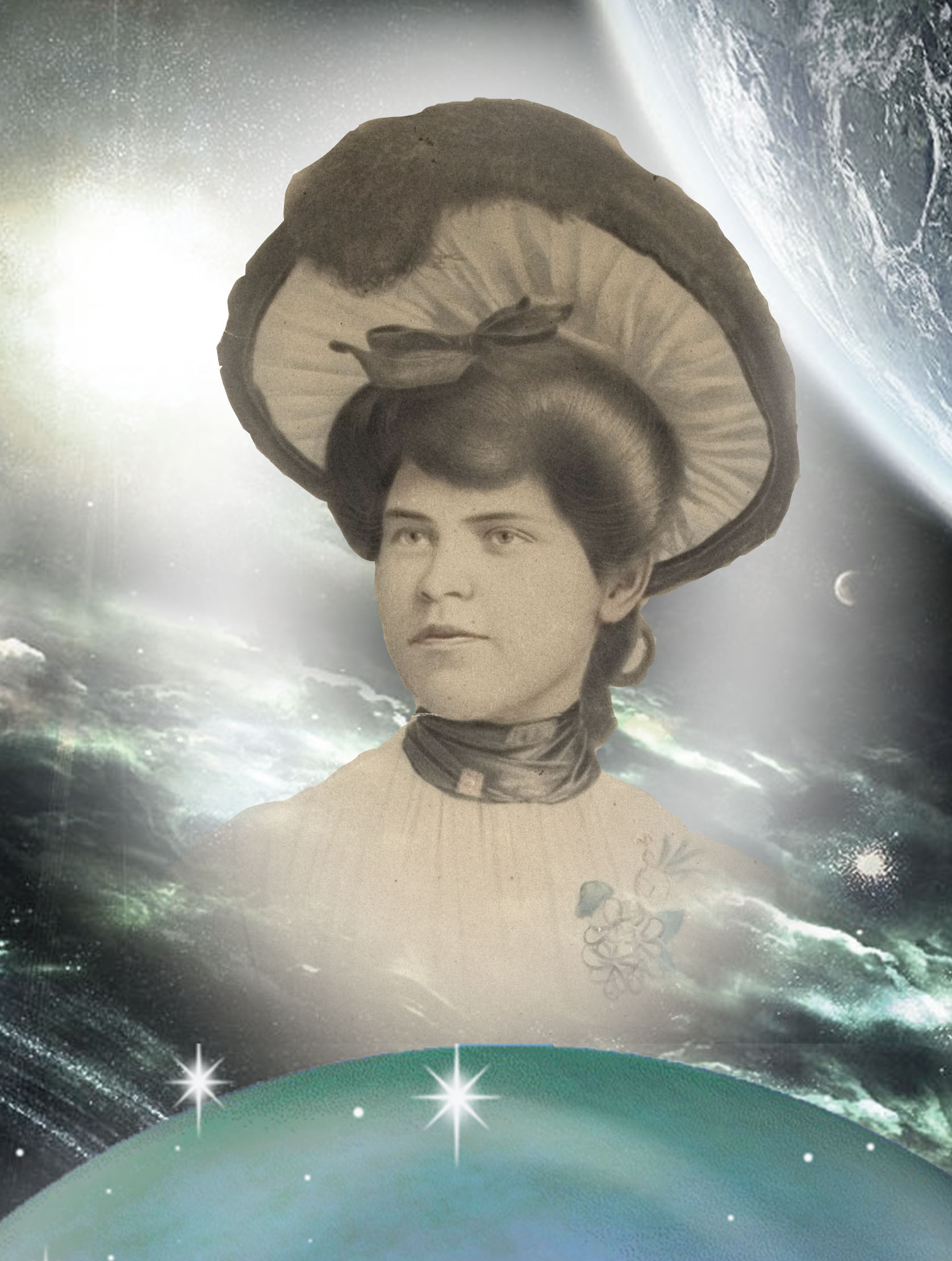
PROJECT ONE: Self-Portrait Poster – Trim Size 11”x17” (1,3,4,5,6)
Objectives:
Use Photoshop to assemble images and/or part of images that form a multi-faceted picture of “you.”

Due for Critique, Wednesday, Feb. 1 at the beginning of class

  1. Software Essentials read pp. 1–46
  2. Spheres Exercise (4,5,6)
  3. Readings-Chapter 5
  4. PROJECT ONESelf Portrait Poster – due week 6 – (1,3,4,5,6)
    Brainstorm approaches to a self-portrait
    Create thumbnails (3)
  5. Discussion (2)

Welcome GRM23 Visual Tecnologies Students

During our first class session we will take care of the necessary business, but as soon as we wrap that up, we’ll dive right in to discover what this class called Visual Technologies is all about.

You’ll find regular postings here on our class blog so make sure you’re always checking here for updates. You can post here too, once you register and the appropriate privileges are assigned. All students must work with me to post progress proofs on the blog so that we can all share in learning how to use the software that is the basis for most every design-oriented job.

Week 1

  1. Syllabus Review
  2. Reading-Introduction, Chapter 1 & Chapter 2 (1,2)
  3. In-class exercises (1,4,5)
  4. The Folder (3,6)
    How to prepare and submit Assignments
  5. The Photoshop Workspace (6)
    Photoshop Tools

Fall 2011 Final Project

This link provides your instructions for the Final Project, which is to be presented at the beginning of class on the date of our Final, Wednesday December 21st from 7-9 p.m.

Pantone Guide to Communicating with Color

Communicating with Color spreadsJust a few years ago, Leatrice Eiseman’s classic Pantone Guide to Communicating with Color, published in 2000, was out of print. In 2006 Eiseman came out with a second book continuing her color explorations, Color: Messages and Meanings. By that time, used copies of the first color book were going for nearly $200, way too steep for all but the collector.

I recently saw Eiseman’s 2000 book pop up again on Print and How magazines’ mydesignshop.com website in their “Deal of the Century” category.  While it’s a bit too soon to make a hundred-year claim, I have to admit, Print and How magazines are offering those interested in the study of color a truly smoking deal.

Treat yourself and your designer buddies to a priceless holiday gift that you can be sure will be a handy resource for years to come. I’m delighted that I’m able to replace my tattered copy held together by rubber bands with a brand spanking new book for just $4.99. That’s really has got to be the “deal of the century!”