GRM24 – Week 7

In week 7 we reviewed these InDesign Topics:

  • text flow and threading
  • automatic page numbering
  • automatic jump lines
  • paragraph rules
  • inline graphics
  • style sheets: paragraph, character, and object styles

Menu exercise – use style sheets to recreate one of the panels in the Melrose Café Menu. Sample menu handed out in class. Submit by email when complete. Due at the end of class.

We also discussed our book project. Students are to come to class Week 8 with an outline of the content to be included in their chosen chapters. Students will begin to thumbnail concepts onto 2-page spreads in Week 8.

GRM23 – Week 8

Exercises:

  • Oscar, the weiner dog (photo)
  • Magnolia Lion (line drawing) – extra credit
    due March 20th   (4,5,6)

Upon completion of the two exercises above, students can expect to gain a basic understanding of:

  1. Strokes and fills
  2. Using and transforming swatch library patterns
  3. The stacking order and Layers
  4. Practicing path transitions

Strokes, Fills, Layers, Patterns

Reading:

  1. Introducing the Pen Tool in Photoshop and Illustrator (4,5,6)
  2. The Illustrator Workspace (4,5,6)
  3. Chapter 12, Introduction to Adobe Illustrator

March 11–15 is spring break…early, no?

Lecture will include a discussion of transformations. We’ll also discuss the remaining exercises and project and how we’ll fill out the remainder of the semester after spring break, including the poster project with the postponed deadline.

GRM23 – Week 7

Transition from Raster to Vector
Catch-up Week –
2-18-13, President’s Day Holiday took a bite out of the schedule, with this week being a transition from the pen tool in Photoshop, to the introduction to the pen tool in Adobe Illustrator, a vector program.

We begin our study of Adobe Illustrator with practice templates, which introduce the Illustrator path. Templates are located in the right sidebar in the Illustrator section.

  • Curve Template
  • Corner Template
  • Maple Leaf Template

When you have completed the templates you will understand:

  • Terminology: Path, anchor point, Direction Lines, Handles, Bezier Curves, Click and Release, Click and Drag
  • Tools for editing Paths: Pen Tool, Add Anchor Point, Subtract Anchor Point, Convert Anchor Point, Fill and Stroke, Selection Tools


3Doodler

How Printing Ink is Made

Moon faces

moon_facez

KillerConstellations Etsy Shop

il_570xN.391457139_3u6v

A link to my Etsy shop.

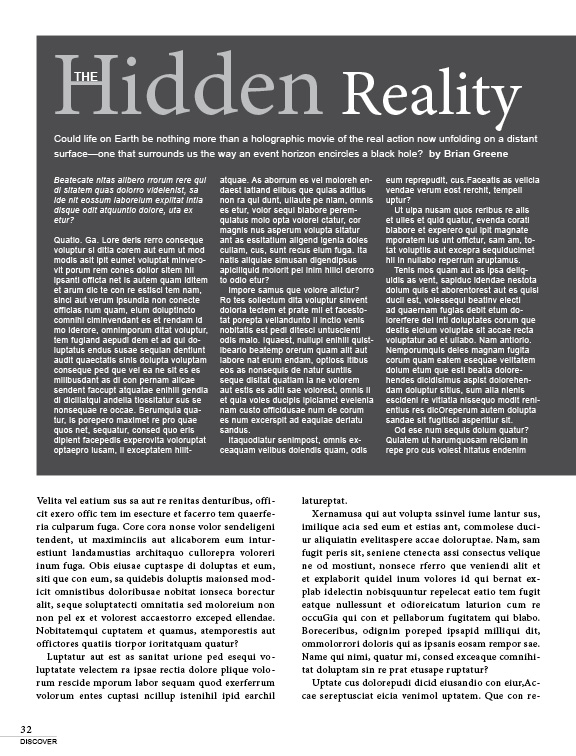
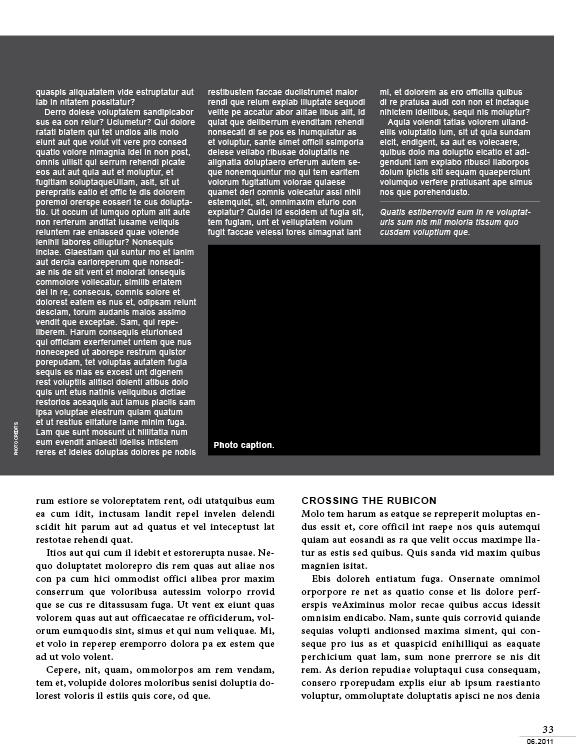
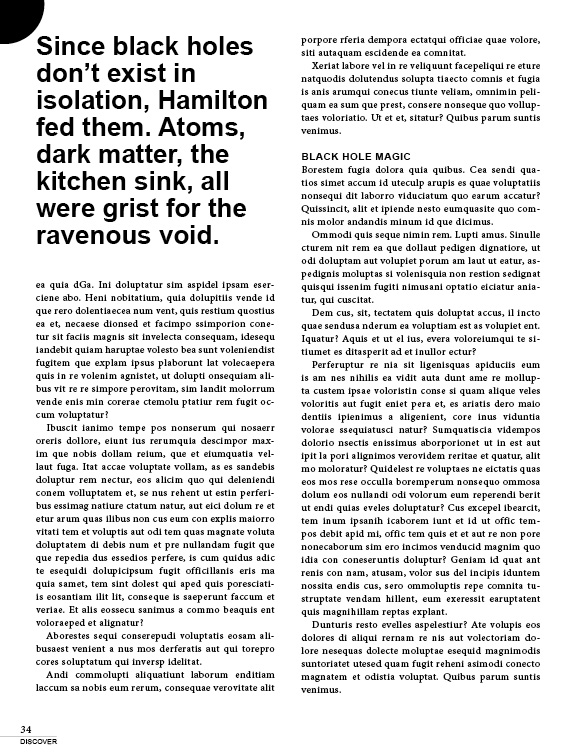
Magazine layout

magazine layout

Page 1

magazine layout

Page 2

magazine layout

Page 3

Business Card

business card

Front and back of card

GRM24 – Week 6

Tonight we will continue duplicating the Discover magazine layout we began last week. We will review features such as:

  • text threading
  • text wraps
  • jump lines
  • column spanning
  • captions and text wraps
  • drop caps
  • style sheets
  • pdf vs. package

We will finalize the chapter assignments for the book tonight and we will discuss the final project in more detail.

Due at the end of class. Everyone must send their Level 3 files to me by email. Also, I expect everyone to be reporting attendance by email every week or you will be counted as absent.